Smart Home Automation Guide from Scratch: Step-by-Step Setup
Don't let transforming your living space into a smart ecosystem intimidate you. This guide covers all the details of setting up smart home automation from scratch with the right ecosystem and device choices.
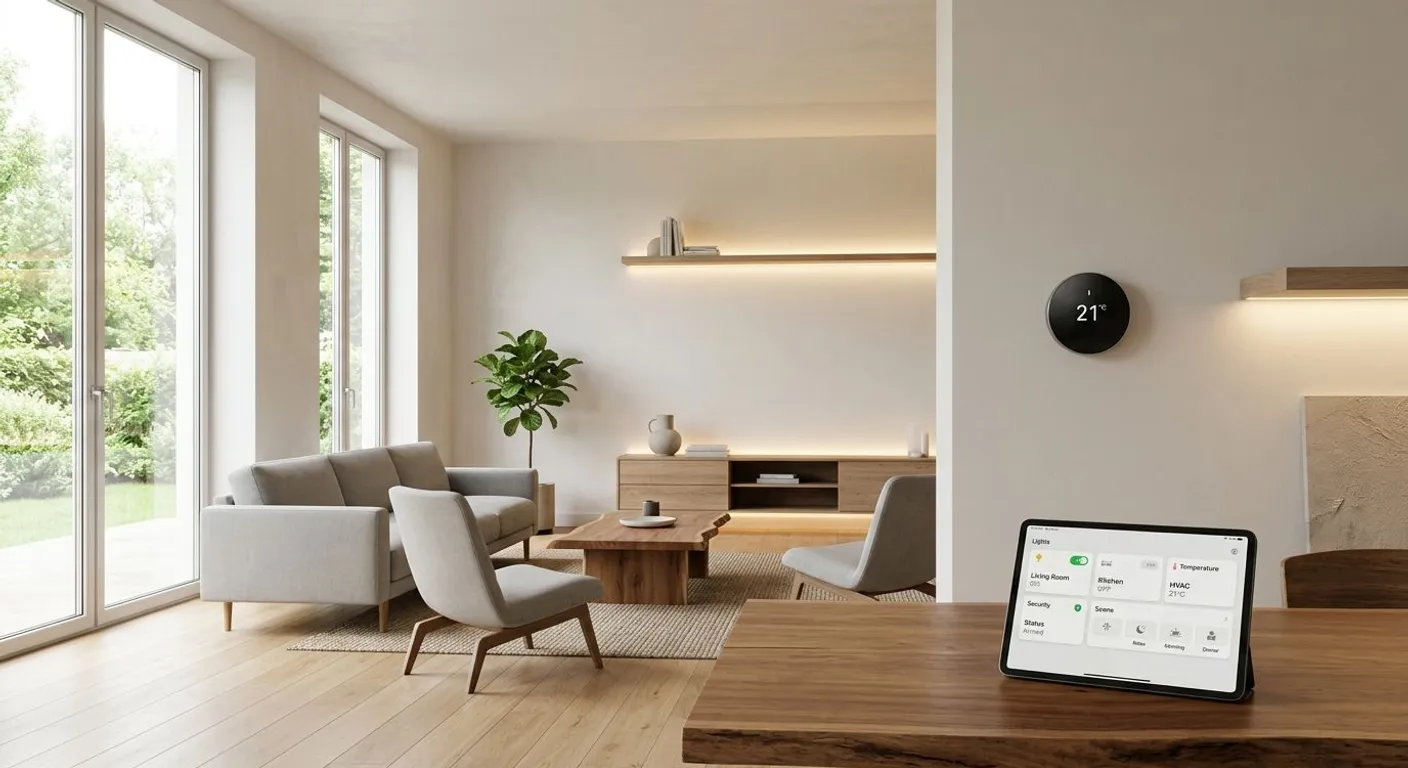
Home automation was a luxury requiring complex wiring and costly professional systems until just a few years ago. Today, with the advancement of wireless technologies and the widespread availability of plug-and-play devices, anyone can turn their home into a smart home within minutes. Having your coffee maker start automatically when you wake up in the morning, locks locking and lights turning off when you leave home, or heating adjusting according to the weather are no longer mere dreams.
The biggest mistake made when setting up a smart home from scratch is buying random devices without planning. A system where different brands cannot speak to one another creates chaos rather than comfort. In this guide, we will examine how to build a sustainable smart home automation step by step, using your budget and time in the most efficient way.
1. Core Infrastructure: A Stable Internet and Network Connection
The backbone of your smart home ecosystem is your internet connection. In a scenario where dozens of devices transfer data simultaneously, a standard modem may prove insufficient. Device disconnects, delayed commands, or untriggered automations are usually caused by network limitations.
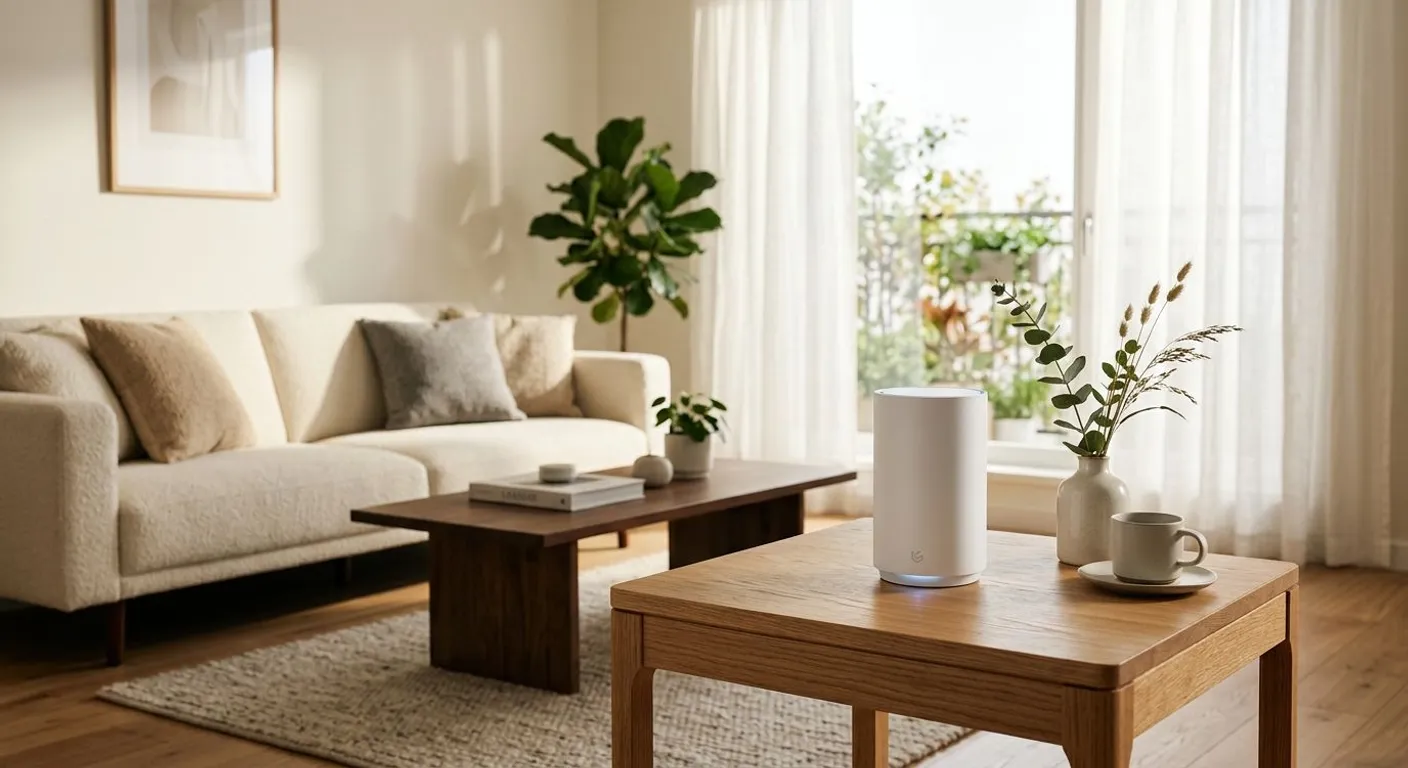
Ensuring a seamless connection in every corner of your home is the primary requirement for successful automation. To prevent signal loss in large areas or multi-room homes, establishing a strong mesh Wi-Fi infrastructure ensures that all your smart devices communicate smoothly.
2. Choosing the Right Ecosystem
The most critical decision you need to make on your smart home journey is which primary management platform (ecosystem) to use. Controlling all your devices through a single app or voice assistant offers great convenience. The three main ecosystems on the market are:
- Apple Home (HomeKit): Stands out with high security and privacy standards. Integrates seamlessly with devices in the Apple ecosystem, though the variety of supported accessories is more limited compared to others.
- Google Home: Very successful with voice commands thanks to Google Assistant's powerful AI and search engine integration. Features broad device compatibility.
- Amazon Alexa: One of the most widely supported ecosystems globally. Offers rich third-party device support and advanced routine creation options.
When making a choice, picking the platform based on the smartphone or computer you use most in daily life will provide ease of use.
3. Understanding Communication Protocols: Wi-Fi, Zigbee, Z-Wave, and Matter
Knowing how devices communicate with each other and with the control hub enables you to make the right product choices. Relying solely on Wi-Fi can overload your router; therefore, understanding alternative protocols is essential.
Communication Technologies Comparison
| Protocol | Advantages | Disadvantages | Ideal Use Case |
|---|---|---|---|
| Wi-Fi | No hub required, connects directly to router. | High power consumption, can cause network congestion. | Smart plugs, cameras, robot vacuums |
| Zigbee | Low power consumption, creates a mesh network. | Hub required. | Sensors, smart bulbs, remotes |
| Z-Wave | Long range, unaffected by 2.4 GHz interference. | Proprietary technology, devices are more expensive. | Security systems, locks, door sensors |
| Matter | Universal compatibility, direct inter-brand communication. | Newer standard, not yet available on all devices. | All future-proof smart home components |
When building a new-generation system, leaning towards devices that support the Matter standard eliminates potential compatibility issues when connecting different brands in the future.
4. Step-by-Step Setup Plan for Beginners
Trying to make the entire house smart in a single day is both expensive and difficult to manage. A phased approach is the best strategy.
Phase 1: Basic Control and Lighting
In the first step, smart lighting solutions should be preferred to change the atmosphere of your home and monitor energy usage. Thanks to smart bulbs or switches, you can automate light colors and brightness according to the time of day.
Phase 2: Energy Management and Security
To monitor high-power-consuming appliances and cut off standby consumption, using smart plugs and sensors is a great start. Additionally, you can create a simple security network by adding door/window sensors and motion detectors.
Phase 3: Advanced Automation and Scenarios
As the number of devices grows, conditional scenarios (Routines/Automations) come into play, enabling devices to speak to each other. For example: "When the last person leaves home (GPS location), turn off all lights, lower the thermostat, and start the robot vacuum."
5. Sample Automation Scenarios That Make Life Easier
- Good Morning Scenario: At 07:00 AM on weekdays, the blinds open halfway, the bedside lamp turns on with a soft yellow light, and the smart plug in the kitchen turns on the coffee maker.
- Movie Night Mode: When you say "Movie Time" to your voice assistant, the living room lights dim to 10%, the TV turns on, and the blinds close completely.
- Water Leak Protection: When a water leak sensor placed under the washing machine detects moisture, an instant notification is sent to your phone, and the smart valve automatically shuts off the main water supply.
Things to Consider When Building a Smart Home
When designing your system, take care not to completely disable physical switches. Ensuring that systems in the house can still be controlled using traditional methods (manual override) when the internet goes down or when guests arrive is vital for comfort. Furthermore, regularly updating the manufacturer firmware of all smart devices will prevent potential cybersecurity risks.
Resources
Frequently Asked Questions
Is an internet connection required for smart home automation?
An internet connection is required for remote control and cloud-based scenarios. However, systems that use a local hub based on Zigbee or Z-Wave continue to run in-home automation routines even if the internet goes down.
Do smart home systems consume a lot of electricity?
On the contrary, thanks to smart plugs and scheduled automations, standby power to devices is cut off, and heating/cooling is optimized, resulting in significant energy savings.
Which smart home ecosystem should I choose?
You should choose the ecosystem that matches the smartphone and mobile operating system you use most in daily life. Apple Home is a practical choice for iOS users, while Google Home is ideal for Android users.
What exactly does the Matter protocol do?
Matter is a unified communication standard that allows smart home devices from different brands (for example, a sensor designed for Apple Home working seamlessly with Google Home) to operate together without compatibility issues.
This content was researched and prepared by the İlgi Alanları editorial team and reviewed for accuracy and readability before publication. Information on health, finance and investment topics is general in nature and does not replace professional advice.