Energy Saving Guide with Smart Plugs and Sensors
Stopping hidden electricity costs at home and significantly reducing your energy bills is now much easier with smart plug and sensor technologies.
Many electronic devices used in the home continue to draw energy in the background even when they appear to be turned off. Known as "vampire power" or standby consumption, this phenomenon is one of the most overlooked items on monthly electricity bills. Smart plugs and environmental sensors, which form the cornerstones of the smart home ecosystem, eliminate this unnecessary consumption through home automation while optimizing your energy usage habits based on data.
In this guide, we detail the working principles of smart plug and sensor technologies, their direct contributions to your energy budget, and effective automation scenarios you can set up in your home.
What Is Vampire Power Consumption and Why Does It Matter?
Televisions, gaming consoles, microwave ovens, coffee makers, and chargers continue to draw current as long as they remain plugged in. While the power consumed by a single device in standby mode may seem negligible, all the devices across a home combined can account for 10% to 15% of total consumption.
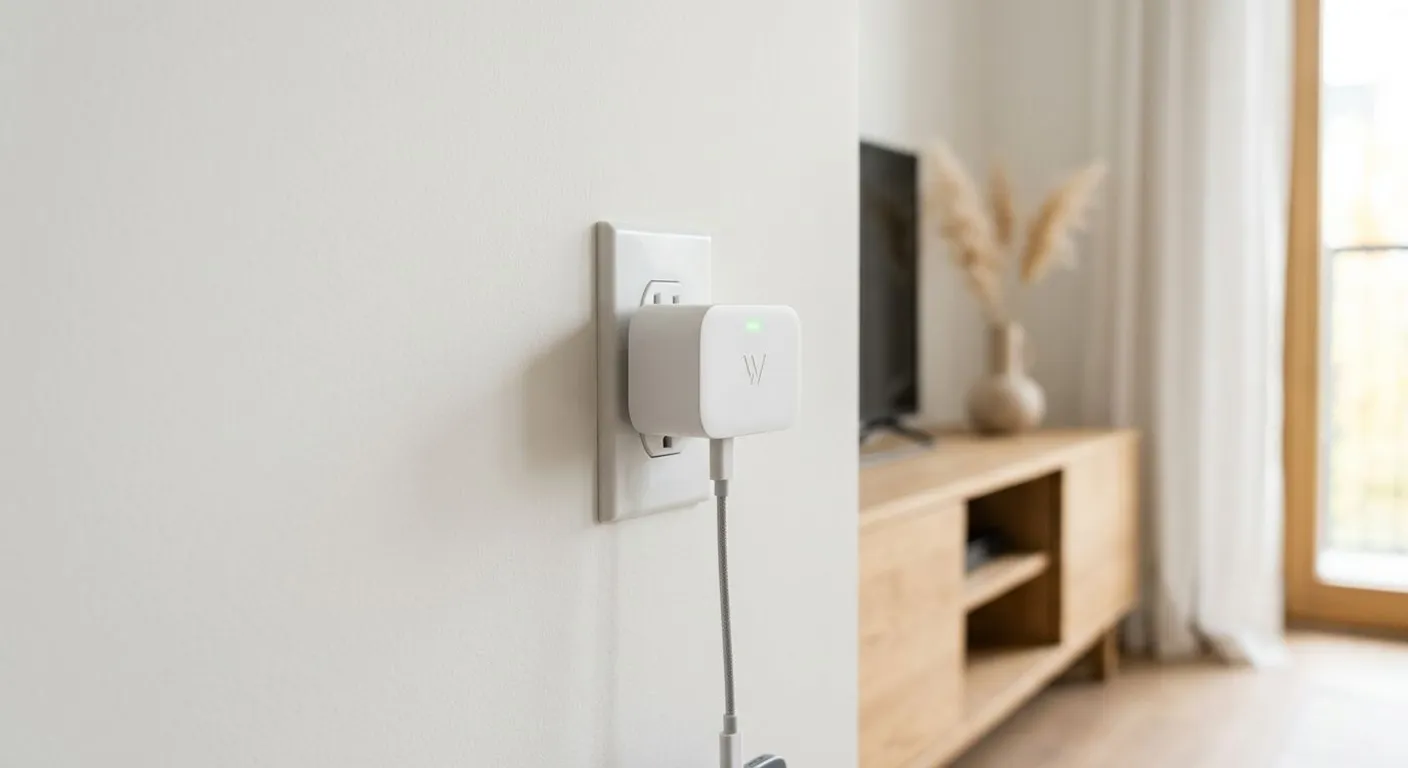
Unplugging devices one by one every night using traditional methods is not a practical solution. This is where smart plug models come in, completely eliminating standby energy loss by cutting off current to devices via a mobile app or timer.
Energy-Saving Advantages Provided by Smart Plugs
Smart plugs are not merely tools for turning devices on and off remotely. Advanced models transform into analysis hubs that manage the energy flow in your home.
1. Real-Time Consumption Tracking and Instant Data
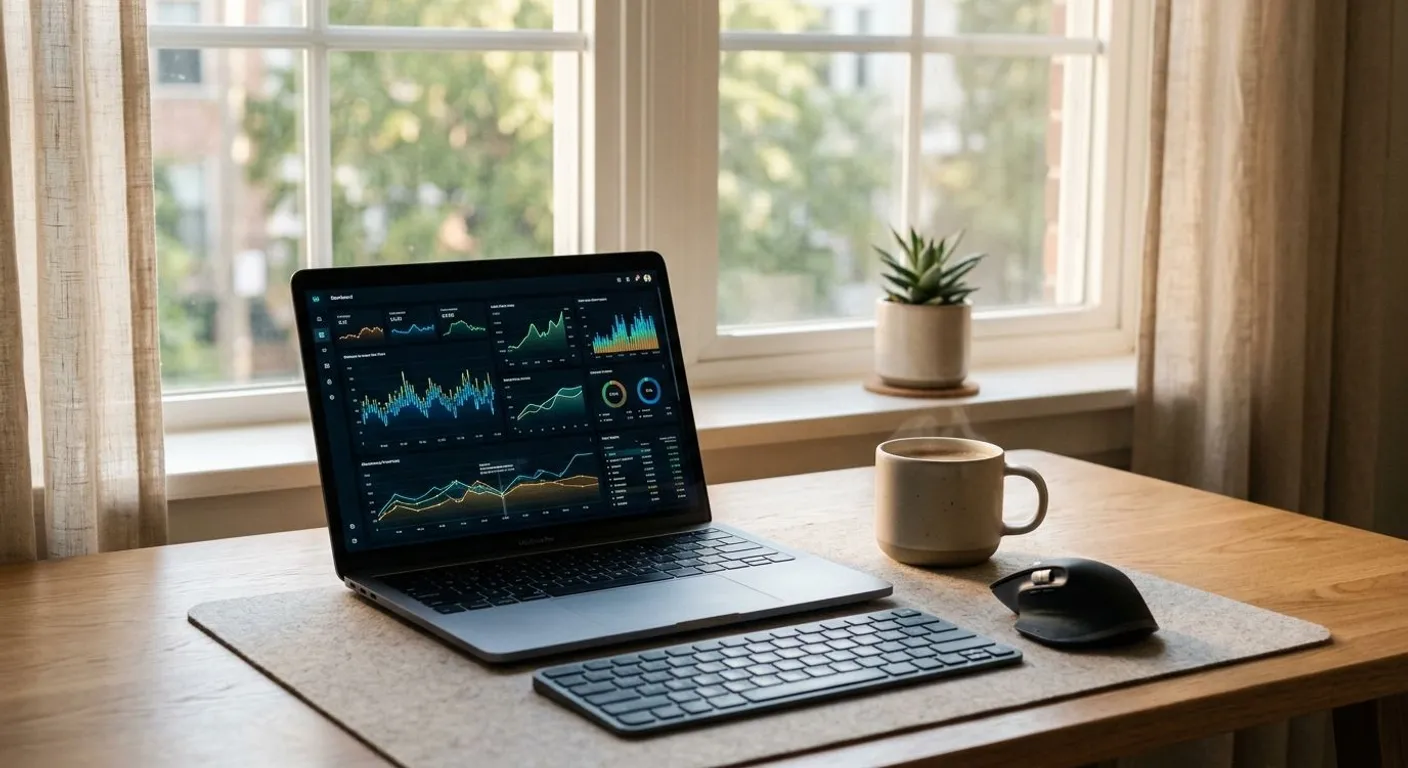
Smart plugs with energy measurement features display how many watts a connected device draws at any given moment and how many kilowatt-hours (kWh) of electricity it consumes on a daily and monthly basis through graphs in a mobile app. Seeing concretely which device adds how much to your bill is the first step toward changing your consumption habits.
2. Scheduling and Automation Programs
You can automatically turn off devices running while you sleep at night or are at work during the day. For example, you can program a power strip connected to your TV setup to cut power at 1:00 AM and turn back on at 7:00 AM. Thanks to similar automation scenarios, unnecessary consumption caused by human error is prevented.
3. Overload and Surge Protection
Smart plugs can automatically cut power when a connected device exceeds a specific power threshold or experiences a voltage fluctuation. This extends device lifespan while increasing safety by preventing potential electrical faults.
Integrated Energy Management with Smart Sensors
While using a smart plug on its own is effective, savings potential reaches its maximum level when integrated with smart sensors. The contribution of different sensor types to energy management is as follows:
- Motion Sensors: Prevent lights from staying on when no one is present in areas like hallways, bathrooms, or dressing rooms. They turn off lighting and connected plugs when no motion is detected for a specified period.
- Door and Window Sensors: When a window is opened while your AC or smart convector heater is running, the sensor immediately stops the climate control system. This prevents high energy consumption wasted on heating or cooling the outdoors.
- Temperature and Humidity Sensors: Operate heating or cooling devices only when needed to maintain the ideal room temperature. When the temperature reaches the desired level, the sensor turns off the connected heater via the smart plug.
If you want to establish a sustainable infrastructure in your home, you can minimize your carbon footprint and energy bills by supporting these automations with renewable energy solutions.
Comparison of Smart Plug and Sensor Technologies
The table below compares the core functions and savings potential of devices commonly used in energy management:
| Device Type | Core Function | Savings Area | Average Savings Potential |
|---|---|---|---|
| Energy Monitoring Smart Plug | Real-time watt tracking, scheduling, power cutoff | Standby mode (vampire power), media systems | 10% - 20% |
| Motion Sensor | Presence detection, auto on/off | Lighting, small home appliances | 15% - 25% |
| Door / Window Sensor | Open/closed status detection | AC, electric heater, boiler | 20% - 35% |
| Temperature / Humidity Sensor | Climate data tracking and triggering | Heating and cooling systems | 10% - 15% |
4 Steps to Setting Up Smart Energy Management in Your Home
You don't need complex infrastructures to set up an efficient and sustainable system. You can get started quickly by following these steps:
- Identify Critical Consumption Points: List devices with a high share in your electricity bill, such as TV units, computer desks, electric heaters, and water dispensers.
- Choose the Right Protocol: Select an ecosystem running on Wi-Fi, Zigbee, or Z-Wave that suits your home size and budget. Protocols like Zigbee are ideal for sensors due to low power consumption and mesh networking capability.
- Create Scenarios: Define core routines such as leaving home, sleep mode, and ventilation. For example, when your smart home security system switches to "Away" mode, ensure power is cut to all non-essential smart plugs.
- Review Data Regularly: At the end of the first month, examine the consumption reports provided by the plugs to identify devices consuming more energy than expected, and adjust their operating hours.
In conclusion, smart plugs and sensors are far more than simple technological gadgets; they are sustainable investment tools that put your energy consumption under control. A properly configured automation setup allows you to offset device costs in a short time through energy bill savings.
Resources
Frequently Asked Questions
How much electricity do smart plugs consume themselves?
Smart plugs consume a very small amount of energy in standby mode (around 0.5 to 1.5 Watts) to maintain Wi-Fi or Zigbee connections. This amount is negligible compared to the standby losses they prevent.
Is a smart home hub required to use a smart plug?
Wi-Fi-enabled smart plugs can connect directly to your home router and work without a hub. However, smart plugs and sensors based on Zigbee or Z-Wave require a central hub or gateway device.
Do scheduled smart plug tasks work when the internet goes down?
Many advanced smart plugs save scheduling tasks to the device's internal memory. Hourly on/off tasks continue to work even without internet, though real-time remote access and instant data tracking will be unavailable.
How does a window sensor automatically turn off an air conditioner?
When a window sensor detects that a window is opened, a smart home app (such as Tuya, Smart Life, or Apple Home) triggers an automation scenario that shuts off the smart plug connected to the AC or sends an off signal to the AC's smart remote controller.
This content was researched and prepared by the İlgi Alanları editorial team and reviewed for accuracy and readability before publication. Information on health, finance and investment topics is general in nature and does not replace professional advice.