Choosing a Digital Drawing Tablet: Which Model for Whom?
Looking to step into the world of digital art or take your existing skills to the next level? Choosing the right drawing tablet directly impacts your creative process. This guide delves into different tablet types and features, helping you find the model that best suits you.
Digital art is one of today's most dynamic and accessible creative fields. As you step into this realm or seek to enhance your existing skills, one of the first tools you encounter is digital drawing tablets. But with countless options available, how do you find the one that's right for you? This guide offers practical information to help you choose the correct digital drawing tablet based on your needs and budget.
Fundamental Types of Digital Drawing Tablets
Digital drawing tablets are primarily divided into three main categories. Each category offers a different user experience and price range:
Graphic Tablets (Screenless)
Graphic tablets are screenless devices that connect to your computer, allowing you to draw on a surface with a special pen. You see the result on your connected computer screen, not on the drawing surface itself. While this initially requires some hand-eye coordination, it's something you can quickly get used to.
- Advantages: The most affordable option. Generally durable and lightweight. Ideal for beginners and those seeking a budget-friendly solution.
- Disadvantages: Does not offer the sensation of drawing directly on the screen. May require an adaptation period initially.
- Who It's For: A great starting point for digital drawing beginners, students, occasional hobby artists, and those with a limited budget.
Pen Displays (Screen Tablets)
Pen displays, also known as screen drawing tablets, feature a screen you can draw directly on. This provides the closest digital drawing experience to traditional paper and pen. They operate by connecting to a computer and utilize its processing power.
- Advantages: The ability to draw directly on the screen provides a natural and intuitive experience. High-resolution screens allow for detailed work.
- Disadvantages: More expensive than graphic tablets. As screen size increases, so does the price. They are generally dependent on a computer and can create cable clutter.
- Who It's For: Suitable for advanced hobby artists, semi-professionals, illustrators, graphic designers, and those seeking a close-to-traditional drawing experience.
Standalone Digital Drawing Devices (Mobile Tablets)
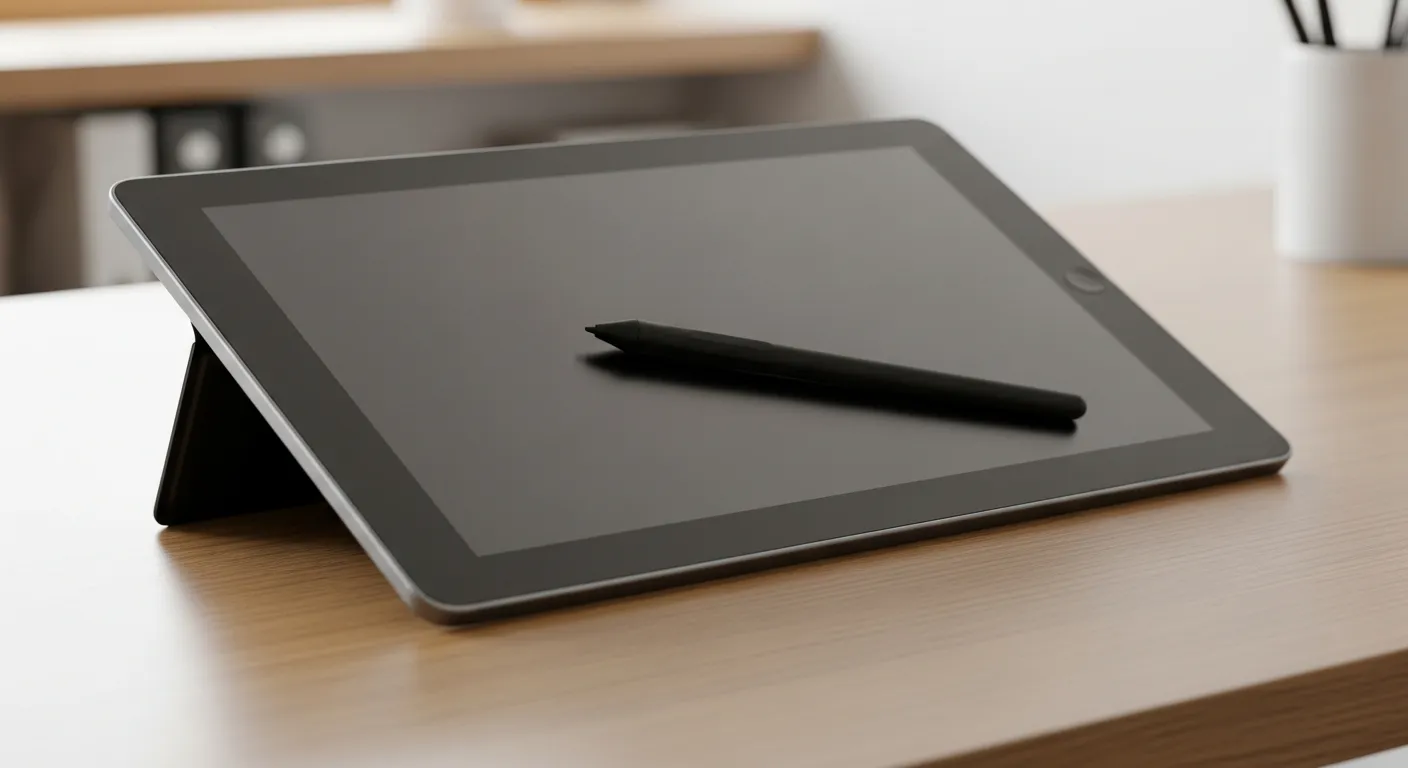
Standalone drawing devices are tablets that operate completely independently, possessing their own operating systems (iOS, Android, Windows) and processors. Examples include iPad Pro, Samsung Galaxy Tab series, or Microsoft Surface devices. These devices run drawing software directly on them and do not require an external computer.
- Advantages: Offers superior portability, providing the freedom to draw anywhere. Most models feature high-performance processors and pen sensitivity.
- Disadvantages: They are the most expensive option. Battery life can vary depending on intensive use. Storage space might be insufficient for professional projects.
- Who It's For: Ideal for professional artists, animators, digital nomads prioritizing mobility, and users with a higher budget.
What to Consider When Choosing a Digital Drawing Tablet?
When selecting the right tablet, there are several important technical specifications and factors you should consider:
Pressure Sensitivity
This feature indicates how well the pen detects the pressure applied to the screen. Higher pressure sensitivity allows you to create thinner or thicker lines, and lighter or darker shading. Most modern tablets offer between 2048 and 8192 pressure levels. For professional work, 8192 levels are considered ideal.
Resolution (LPI - Lines Per Inch)
LPI refers to the number of detectable lines per inch in the tablet's active area. A higher LPI value ensures your drawings are smoother and more detailed. If you work on fine details, you should look for a higher LPI value.
Screen Size and Active Area
The active area or screen size determines how much freedom you'll have while drawing. Smaller tablets offer advantages in portability, while larger tablets provide a wider canvas, allowing for more comfortable arm movement and focus on details. For desktop use, medium or large tablets are generally preferred, while frequent travelers might opt for compact models.
Shortcut Keys and Pen Features
Most digital drawing tablets come with customizable shortcut keys to speed up your workflow. You can assign frequently used brushes, the eraser, or undo commands to these keys. The pen itself may also have additional features like an eraser function or tilt support. Tilt support allows the brush to create a tilted effect when you angle the pen, which is important for mimicking traditional brush strokes.
Connectivity and Compatibility
How your tablet connects to your computer or other devices is important. USB-C provides a fast and reliable connection, while Bluetooth offers wireless freedom. Also, ensure your tablet is fully compatible with the operating system you use (Windows, macOS, Android).
Software Compatibility
Even the best drawing tablet is useless if it's not compatible with the software you use. You should opt for models with driver and software support that work seamlessly with popular programs like Adobe Photoshop, Illustrator, Clip Studio Paint, and Krita. For standalone mobile tablets, check the availability of apps like Procreate (for iPad), Concepts, or Autodesk Sketchbook.
Tablet Recommendations by User Profile
Beginners and Students
For those new to digital art or operating on a student budget, graphic tablets are the most logical starting point. Affordable models offer sufficient performance to develop basic drawing skills and get accustomed to digital tools. By starting with an economical graphic tablet, you can build fundamental abilities and make a solid entry into the world of digital drawing. Remember, creativity develops not just with tools, but also with practice. Sometimes even the simplest tools can open the door to new ideas, and you can make this process more efficient with scientific and practical ways to overcome creative blocks.
Hobby Artists and Semi-Professionals
For hobby artists and semi-professionals who dedicate more time to digital art and wish to develop their skills, more advanced graphic tablets or entry-level pen displays can be a good choice. This category includes models with higher pressure sensitivity and a larger active area. Pen displays, offering the ability to draw directly on the screen, will be appealing to those seeking a more natural drawing experience. For those with goals like earning income from selling design templates on digital platforms, tablets at this level can provide sufficient performance.
Professional Artists and Designers
For artists and designers working on intensive and professional projects, performance, accuracy, and efficiency are priorities. For these users, high-end pen displays or standalone mobile drawing devices offer the most suitable solutions. High-resolution screens, wide color gamut, advanced pen technologies, and shortcut keys support complex workflows. Especially for professionals who need mobility or must work outside the studio, standalone devices like the iPad Pro are indispensable. The future of digital art, particularly concerning topics like the future of art post-NFTs, is being shaped by such high-performance tools.
Comparison Table: Digital Drawing Tablet Types
The table below summarizes the key features of different digital drawing tablet types and who they are suitable for:
| Feature | Graphic Tablet (Screenless) | Pen Display (Screen) | Standalone Mobile Tablet (Screen) |
|---|---|---|---|
| Price Range | Entry - Mid | Mid - High | High - Very High |
| Ease of Use | Requires adaptation period initially | Offers a very natural, intuitive experience | Offers a very natural, intuitive experience |
| Direct Drawing | No, you look at the computer screen | Yes, drawing is done directly on the screen | Yes, drawing is done directly on the screen |
| Portability | High (small and lightweight) | Medium (computer-dependent, larger) | High (operates independently) |
| Performance | Dependent on the connected computer | Dependent on the connected computer | Dependent on its own processor and software |
| Target Audience | Beginners, students, budget-friendly | Hobby artists, semi-professionals, illustrators | Professional artists, animators, mobile users |
Choosing a digital drawing tablet depends on your personal needs, budget, and artistic goals. There are many great options on the market, so by doing thorough research and trying different models if you have the chance, you can find the tool that best suits you. Remember, the best tablet is the one that allows you to express your creativity most effectively.
Frequently Asked Questions
What is the most important feature to consider when buying a digital drawing tablet?
The most important feature is the pen's pressure sensitivity. This allows you to control the thickness and tone of your lines, offering a more natural drawing experience.
Are screenless graphic tablets or screen tablets better?
This depends on personal preference and budget. Screenless tablets are affordable and portable but require hand-eye coordination. Screen tablets offer a more natural drawing experience but are more expensive.
Which programs can I use with a digital drawing tablet?
Digital drawing tablets are generally compatible with popular graphic software like Adobe Photoshop, Illustrator, Clip Studio Paint, Krita, as well as apps like Procreate for standalone tablets.
Which digital drawing tablet is recommended for beginners?
For beginners, an affordable, screenless graphic tablet is ideal. These tablets offer sufficient functionality to learn digital drawing techniques and are budget-friendly.
Is the battery life of a digital drawing pen important?
Yes, battery life is important, especially for rechargeable pens. However, many professional pens operate without batteries (EMR technology), so they don't require charging.
This content was researched and prepared by the İlgi Alanları editorial team and reviewed for accuracy and readability before publication. Information on health, finance and investment topics is general in nature and does not replace professional advice.