AI Photo and Video Editing Guide
Leaving traditional editing techniques behind, artificial intelligence is radically changing photo and video content creation processes. Here are the most effective methods to transform your digital media.
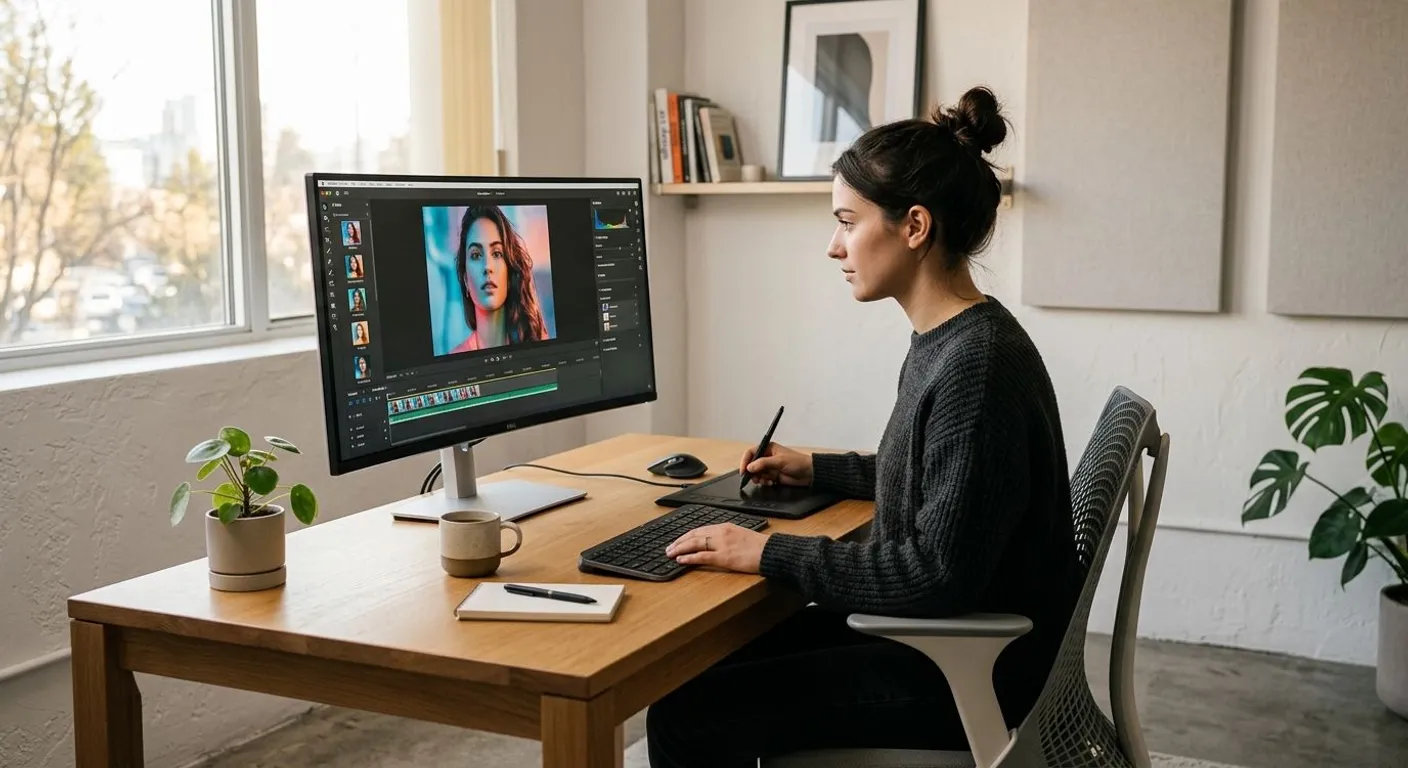
Visual content creation is rapidly moving away from being a detailed process requiring complex software and long hours. The visual arts and media world are undergoing a major transformation with the integration of machine learning and deep learning algorithms. AI-powered photo and video editing tools not only save time but also enable even amateur content creators to achieve cinematic quality results.
From removing unwanted objects in photos with a single click to denoising low-light videos, many processes are now handled by algorithms in seconds. Just like AI agents taking over complex tasks in our daily routines, visual processing algorithms eliminate tedious work in creative processes.
AI-Powered Photo Editing Techniques
The use of AI in photography relies on advanced neural networks capable of pixel-level analysis. These systems make natural-looking edits by understanding an image's depth, lighting direction, and texture.
1. Generative Fill and Object Removal
Traditional cloning and patching tools used to fall short on complex backgrounds. AI technologies like Generative Fill redraw what should be behind a removed object by analyzing surrounding pixels and extensive datasets. Erasing an unwanted person, power line, or trash can from the frame is now possible without ruining the natural look of the image.
2. Image Upscaling and Super Resolution
Enlarging old or low-resolution photos used to lead to pixelation. AI-based image upscaling systems add new details to the photo by predicting missing pixels. By preserving edge sharpness and textures, AI can upscale a 1080p image to 4K or 8K levels without loss of clarity.
3. Automated Portrait Retouching and Facial Recognition
Systems that detect facial features with millimeter precision apply skin smoothing, eye brightening, teeth whitening, and hair detail enhancement while maintaining a natural look. Instead of overly artificial effects, deep learning algorithms that preserve natural skin texture are preferred.
The AI Video Editing Revolution
Because video editing requires frame-by-frame processing, it demands much more computing power and time compared to photo editing. The concept of saving time with automation tools in digital workflows finds its exact equivalent in video editing processes.
1. Automatic Background Removal Without Green Screen
Isolating an object or person from the background in videos (Rotoscoping) used to take days. AI algorithms can detect moving subjects within milliseconds, allowing you to completely change or blur the background without needing a green screen.
2. Smart Color Grading
Transferring the color palette of your favorite movie or image to your own video is now possible with a single click. AI analyzes the color grading, contrast, and saturation of the reference video and automatically applies it to your shot.
3. Audio and Text-Based Video Editing
AI turns video speech into text, allowing you to edit the video by editing text. When you delete a sentence in the text document, the corresponding video segment is automatically cut. Additionally, filler sounds like "uhs", "ums", and silent pauses can be cleaned up with a single command.
Traditional vs. AI-Powered Editing Comparison
To understand the contribution of AI technologies to video and photo editing processes, it is useful to make a comparison with traditional methods:
| Feature / Process | Traditional Editing Methods | AI-Powered Editing |
|---|---|---|
| Unwanted Object Removal | Requires minutes of manual retouching with clone tools. | Recreates background seamlessly matching texture with a single click. |
| Noise Cleaning (Denoise) | Can lead to loss of detail and blurriness. | Removes only grain and noise while preserving details. |
| Video Rotoscoping | Manual frame-by-frame masking (takes hours). | Automatically tracks subject and masks in seconds. |
| Resolution Upscaling | Creates blurry and pixelated images. | Generates new pixels with deep learning to sharpen. |
| Color Matching | Requires advanced color knowledge and time. | Applies style of reference image in seconds. |
Workflow Recommendations for Content Creators
When incorporating AI into your editing workflow, it is important not to hand over full control to the algorithm. The most efficient results are achieved when you leverage the speed of AI and combine it with human aesthetic touch.
- Maintain Raw Shot Quality: Even though AI works wonders, quality lighting and proper focus always produce better results.
- Use Mobile and Flexible Devices: Thanks to powerful laptops or devices with foldable screens, you can instantly use AI tools during field shoots.
- Work in Layers: Always keep AI modifications on a separate layer so you can control naturalness using opacity settings.
AI in the photo and video world is not a threat, but a powerful assistant that removes technical barriers to creativity. By integrating these tools into your workflow, you can focus on storytelling instead of getting bogged down in technical details.
Resources
Frequently Asked Questions
Does AI really improve photo and video quality?
Yes, AI algorithms clean up noise by predicting missing pixel data, increase sharpness, and upscale resolution without losing detail.
Can AI editing tools replace traditional editors?
No, AI tools act as assistants that speed up tedious and technical tasks. Creative decisions, storytelling, and aesthetic emotion still require a human touch.
Where does AI save the most time in video editing?
It saves significant time especially in rotoscoping (background isolation), trimming silences, generating automatic subtitles, and color matching.
This content was researched and prepared by the İlgi Alanları editorial team and reviewed for accuracy and readability before publication. Information on health, finance and investment topics is general in nature and does not replace professional advice.