Revolutionizing Time Management: Be More Productive with Smart Apps
In today's rapidly changing world, time is our most valuable resource. Using it effectively directly impacts the quality of both our professional and personal lives. So, how can we better manage time with digital tools?
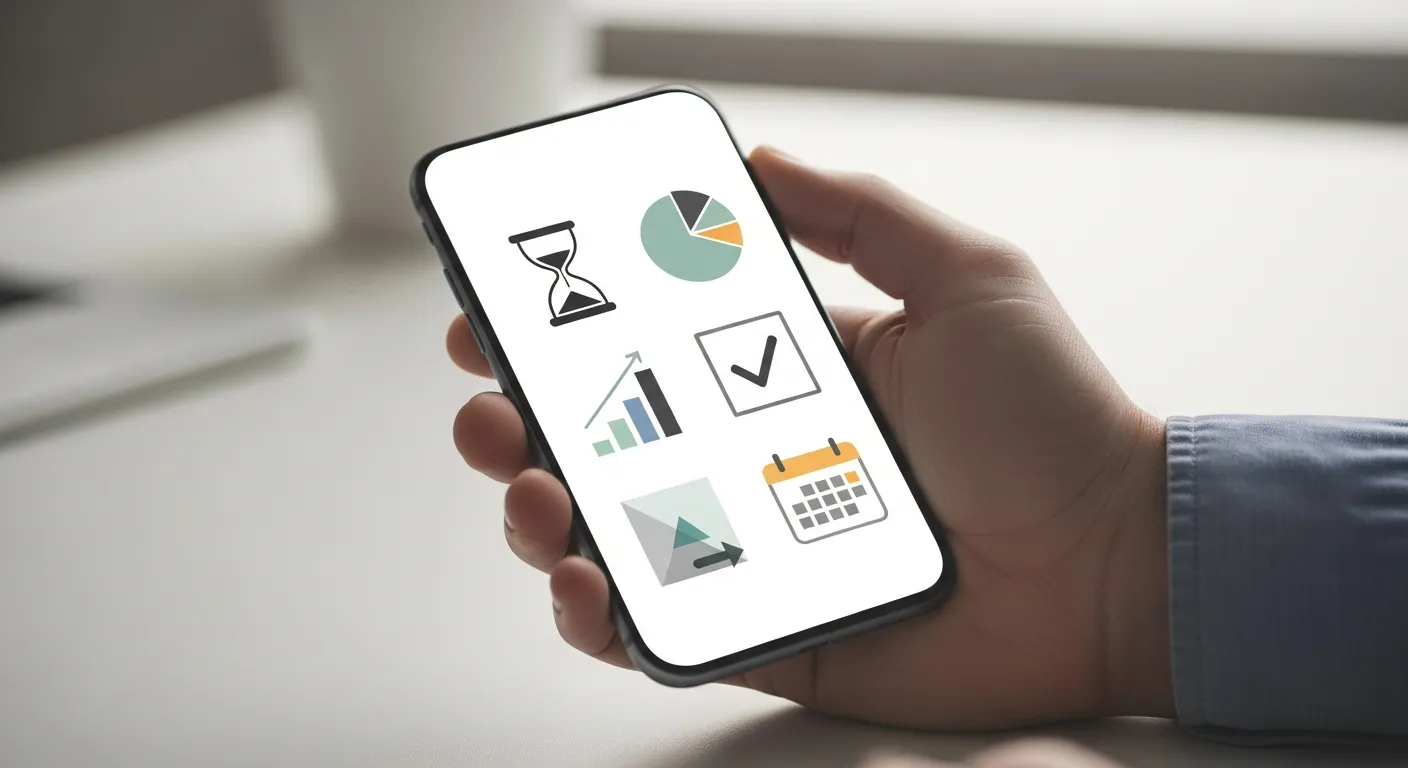
In today's rapidly changing world, time is our most valuable resource. Using it effectively directly impacts the quality of both our professional and personal lives. It's easy to get lost amidst constant notifications, emails, and endless to-do lists. This is where smart time management apps come into play, helping us turn the opportunities offered by the digital world to our advantage.
These types of apps allow you to organize your tasks, better understand your time, and most importantly, focus on what truly matters. While for many, being productive means doing more work, it's actually about doing the right work at the right time. Smart apps play a key role in helping you gain this awareness and take action.
Why Should We Use Smart Time Management Apps?
Smart apps offer various advantages that go beyond traditional time management methods:
- Centralized Planning: Allows you to gather all your tasks, appointments, and projects in one place. This way, you can easily see what you need to do and when.
- Prioritization: Apps often offer the ability to sort tasks by importance, set deadlines, and even manage dependencies. This clarifies which task you should start first.
- Accountability and Motivation: Marking completed tasks, seeing your progress, and achieving specific goals increases your motivation. Some apps even include gamification features.
- Time Tracking and Analysis: Understanding where you spend your time is the first step to identifying inefficient areas. These apps show you how much time you dedicate to each activity, helping you make more informed decisions.
- Reducing Distractions: Some apps help you maintain focus by allowing you to set focus periods, block notifications, or restrict access to certain websites.
- Flexibility and Accessibility: Most apps work synchronously across mobile devices and computers. This way, you can access and update your plans wherever you are.
App Types and Features
Time management apps span a wide range and cater to different needs:
Task Management and To-Do Lists
These apps range from simple to-do lists to complex project management. Their core features include adding tasks, setting deadlines, creating reminders, and breaking down tasks into subtasks. They are ideal for organizing daily work and ensuring nothing is forgotten. For example, you can organize your shopping list, steps for your work projects, or personal goals with a list app.
Project Management Apps
Designed for larger-scale projects and teamwork, these apps offer task assignment, progress tracking, file sharing, and communication tools. They are indispensable for managing project complexity and ensuring coordination among team members. Especially when multiple people are working on the same project, they provide transparency and workflow optimization. Such tools significantly save time by automating repetitive tasks. Eliminate Repetitive Tasks with Automation Tools: Ways to Save Time and Gain Efficiency delves into this topic in more detail.
Focus and Time Tracking Apps
This category includes tools that encourage working by setting time blocks, especially with techniques like the Pomodoro Technique, or that block distracting websites. Apps that automatically record how much time you dedicate to which activities also fall into this group. They provide great benefits for those who struggle with self-discipline or have difficulty focusing. They support uninterrupted focus for a specific period while working or studying.
Note-Taking and Information Organization Apps
Used for systematically storing ideas, meeting notes, articles, or personal thoughts. Although it may not seem directly related to time management, an organized flow of information speeds up decision-making processes and provides easy access to important information. This indirectly saves time. To reduce clutter and achieve mental clarity, the principles in our article Transitioning to a Minimalist Home: First Steps and Guide to Decluttering can also be applied in the digital world.
Calendar and Planning Apps
These are essential tools used for planning appointments, meetings, and events. Smart calendars can offer advanced features such as combining different calendars, automatic reminders, and even estimating travel times. They help you prevent conflicts by bringing your personal and professional calendars together and organize your day better.
What to Consider When Choosing the Right App?
When choosing from many different apps, you should consider your personal needs and working style:
- Ease of Use: The more intuitive and simple the interface, the easier it will be to adopt the app. A complex app might tire you out more.
- Features: Do you need more than basic task management? Are you looking for additional features like project tracking, team collaboration, time tracking, or integrations?
- Platform Compatibility: Check if the app works seamlessly across all devices you use (phone, tablet, computer). Synchronization capability is vital.
- Pricing: There are free options, one-time purchases, or subscription models. Make a choice based on your budget and the features you need.
- Integrations: Does it integrate with other apps you frequently use (email, calendar, cloud storage, etc.)? This can further streamline your workflow.
- Customizability: Can you adjust the app's appearance, notifications, or operating principles according to your preferences?
Tips for Boosting Productivity with Apps
A smart time management app alone is not enough; using it correctly is crucial:
- Note Everything Down: Immediately add every task or idea that comes to mind to your app. This reduces mental load and ensures you don't forget anything.
- Prioritize: Rank your tasks by urgency and importance. You can draw inspiration from methods like the Eisenhower Matrix.
- Use Time Blocking: Allocate time blocks in your calendar for specific tasks and focus solely on that task during that period. This becomes even more effective when combined with focus apps.
- Conduct Regular Reviews: Review your task list and calendar weekly or daily. This helps you keep your plans updated and track your progress.
- Manage Notifications Smartly: Turn off unnecessary notifications to prevent distractions. Only allow notifications for what is truly important.
- Be Flexible: Plans can change. Use your apps in a way that allows for easy adaptation to these changes. This flexibility is especially valuable for those embracing a digital nomad lifestyle. You can find more information on such adaptations in our article Digital Nomadism: Ways and Tips to Explore the World While Working.
Comparison of Different App Types
| Feature / App Type | Task Management | Project Management | Focus / Time Tracking | Note-Taking / Information Organization | Calendar / Planning |
|---|---|---|---|---|---|
| Core Focus | Personal/Team tasks | Large projects, teams | Focus, time analysis | Idea, information gathering | Appointments, events |
| Use Case | Daily tasks, habits | Business, team projects | Studying, deep work | Brainstorming, research | Meetings, events |
| Key Feature | Lists, reminders, subtasks | Gantt chart, task assignment | Pomodoro, site blocking | Tagging, search, synchronization | Appointments, recurring events |
| Collaboration Capability | Limited/Medium | High | Low | Medium | Medium |
| Complexity | Low/Medium | High | Low/Medium | Low/Medium | Low/Medium |
| Example User | Student, freelancer | Team leader, project manager | Writer, researcher | Everyone | Everyone |
Conclusion
Time management apps are a powerful way to organize the complexities of modern life and boost personal productivity. With the right app choice and conscious use, you can spend your time more meaningfully, achieve your goals more easily, and ultimately allocate more time for yourself. The key is to find the tool that best suits you and make it a habit to fully utilize its potential. Remember, the best app is the one you use regularly.
Frequently Asked Questions
Does using a time management app really increase my productivity?
Yes, when used correctly, these apps can significantly boost your productivity by helping you organize tasks, prioritize, and use your time more consciously.
What types of time management apps are available?
The main types include task and to-do list, project management, focus and time tracking, note-taking and information organization, and calendar and planning apps.
What should I consider when choosing a time management app?
Ease of use, features offered, cross-device compatibility (synchronization), pricing model, and integration capabilities with other apps are important criteria.
What is the Pomodoro Technique and which apps use it?
The Pomodoro Technique is a time management method involving working in 25-minute focused intervals followed by short breaks. Many focus and time tracking apps support this technique.
Are free time management apps sufficient?
Many free apps offer sufficient features for basic task management and planning needs. More advanced project management or team collaboration may require paid options.
This content was researched and prepared by the İlgi Alanları editorial team and reviewed for accuracy and readability before publication. Information on health, finance and investment topics is general in nature and does not replace professional advice.